 Coming soon
Sublingua
Live translated subtitles for any call, entirely on your laptop
Application
Sublingua
Live translated subtitles for any call, entirely on your laptop
This production is a private summary: description, learnings and stack are shown, the code stays private.
Draft. Written from the program notes and pending the author’s review.
- Status
- Coming soon
- Type
- Application
- Running since
- January 2025
- Role
- Architect and sole engineer
- Domains
- speech recognition, translation
- Cast
- Python, Faster Whisper, Litellm
Context and problem
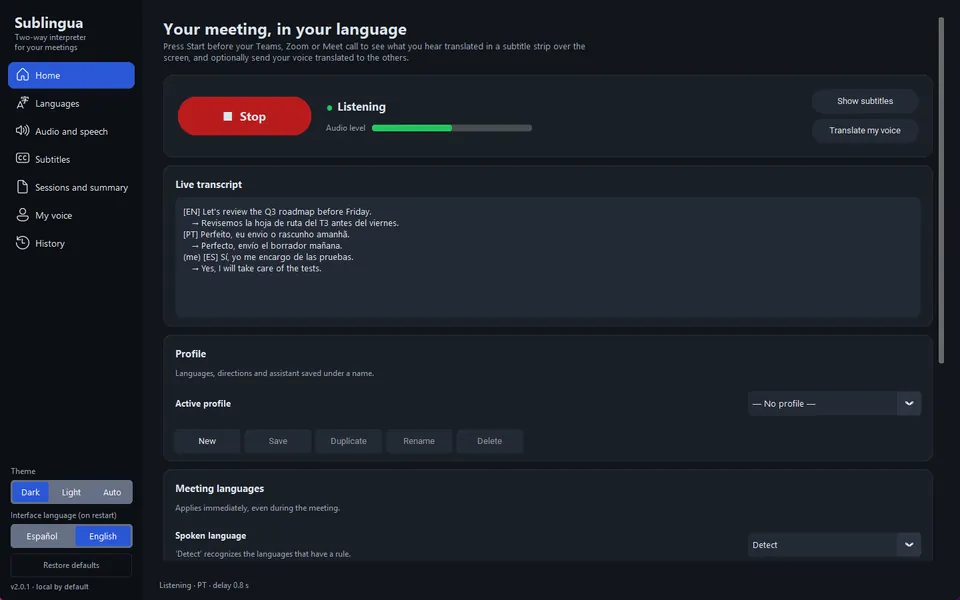
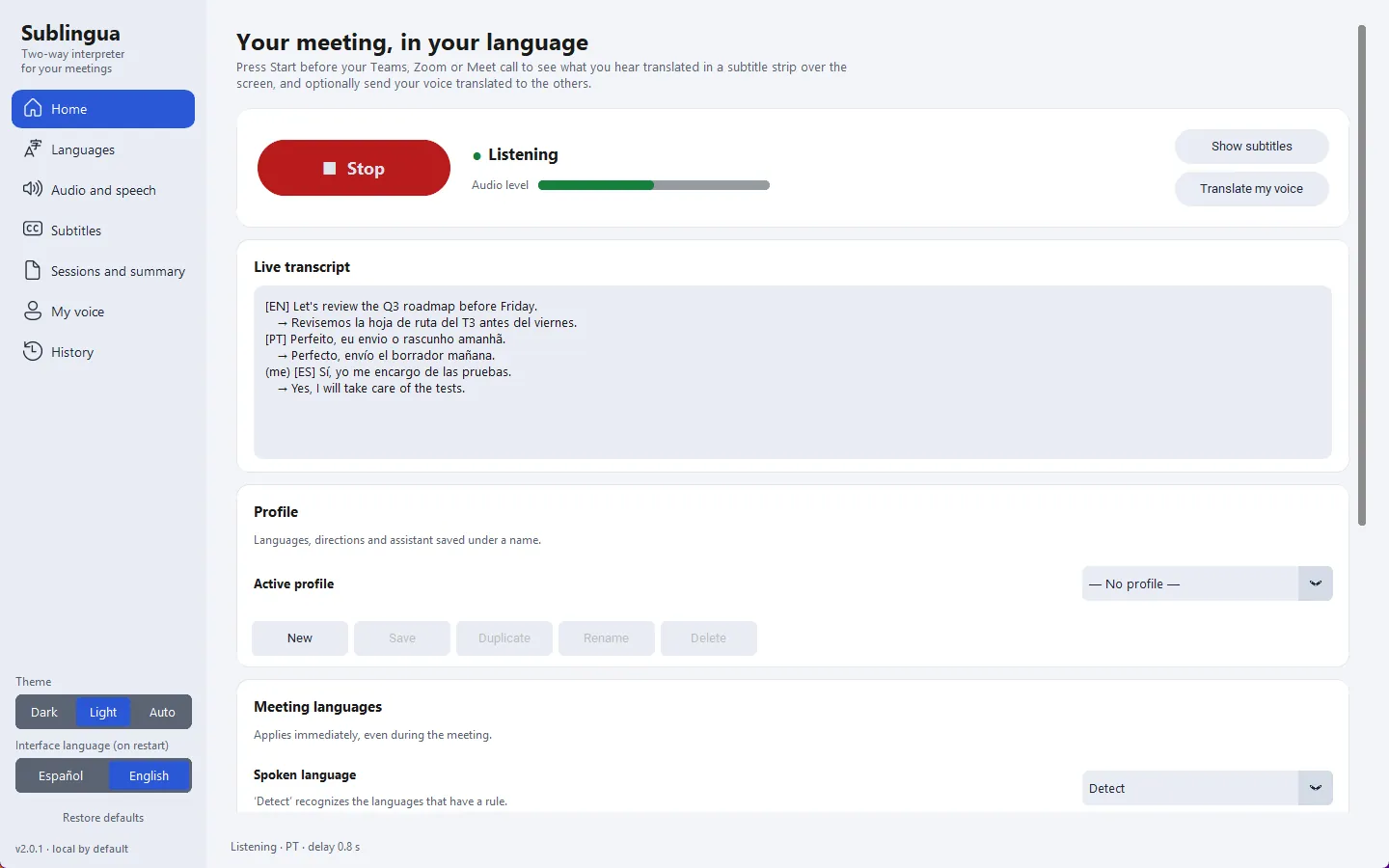
Desktop interpreter and live subtitles for Windows.
Assumption: professionals in multilingual teams follow calls in a language they read better than they hear, and the available live-subtitle tools send the audio of the call to a third party.
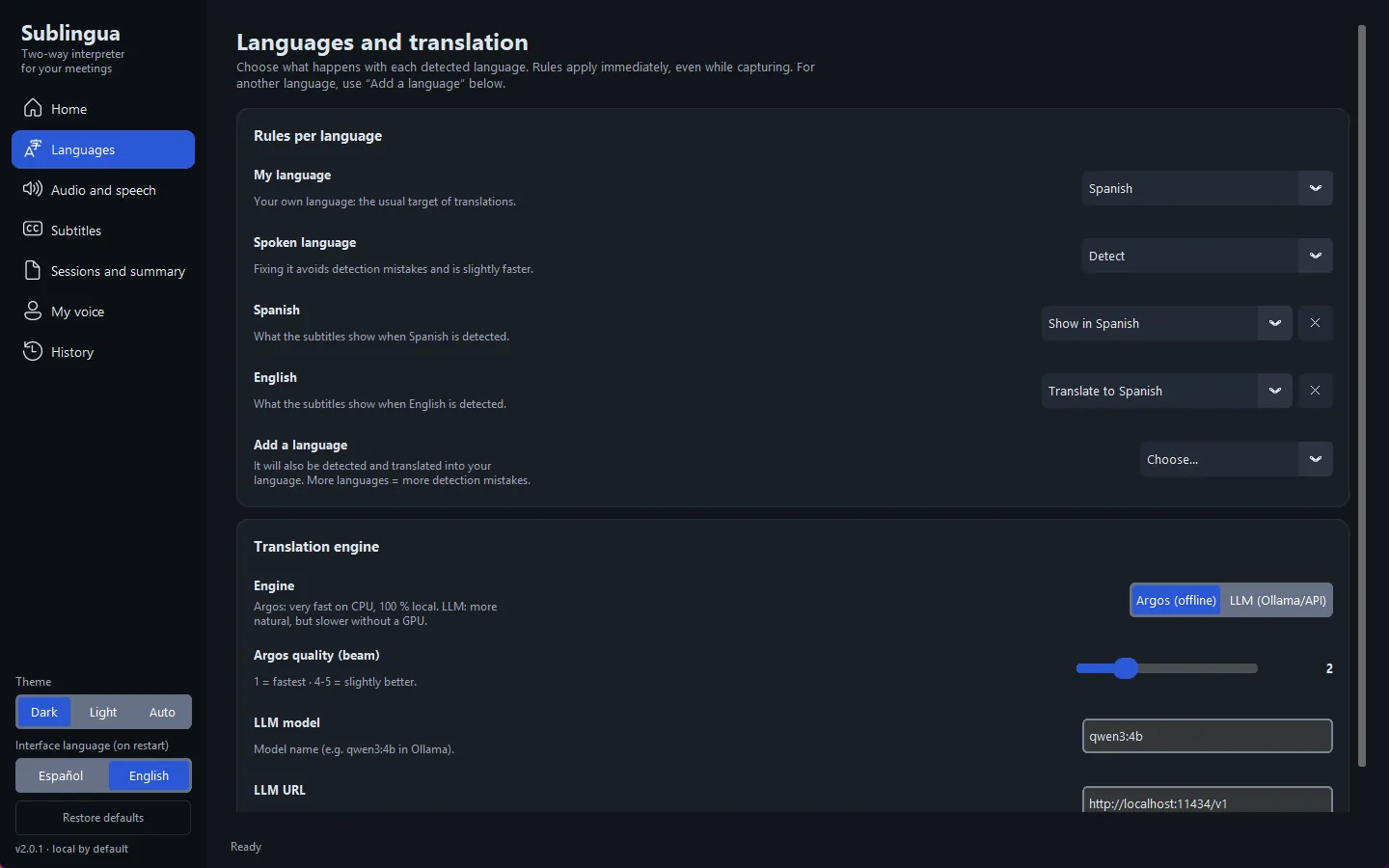
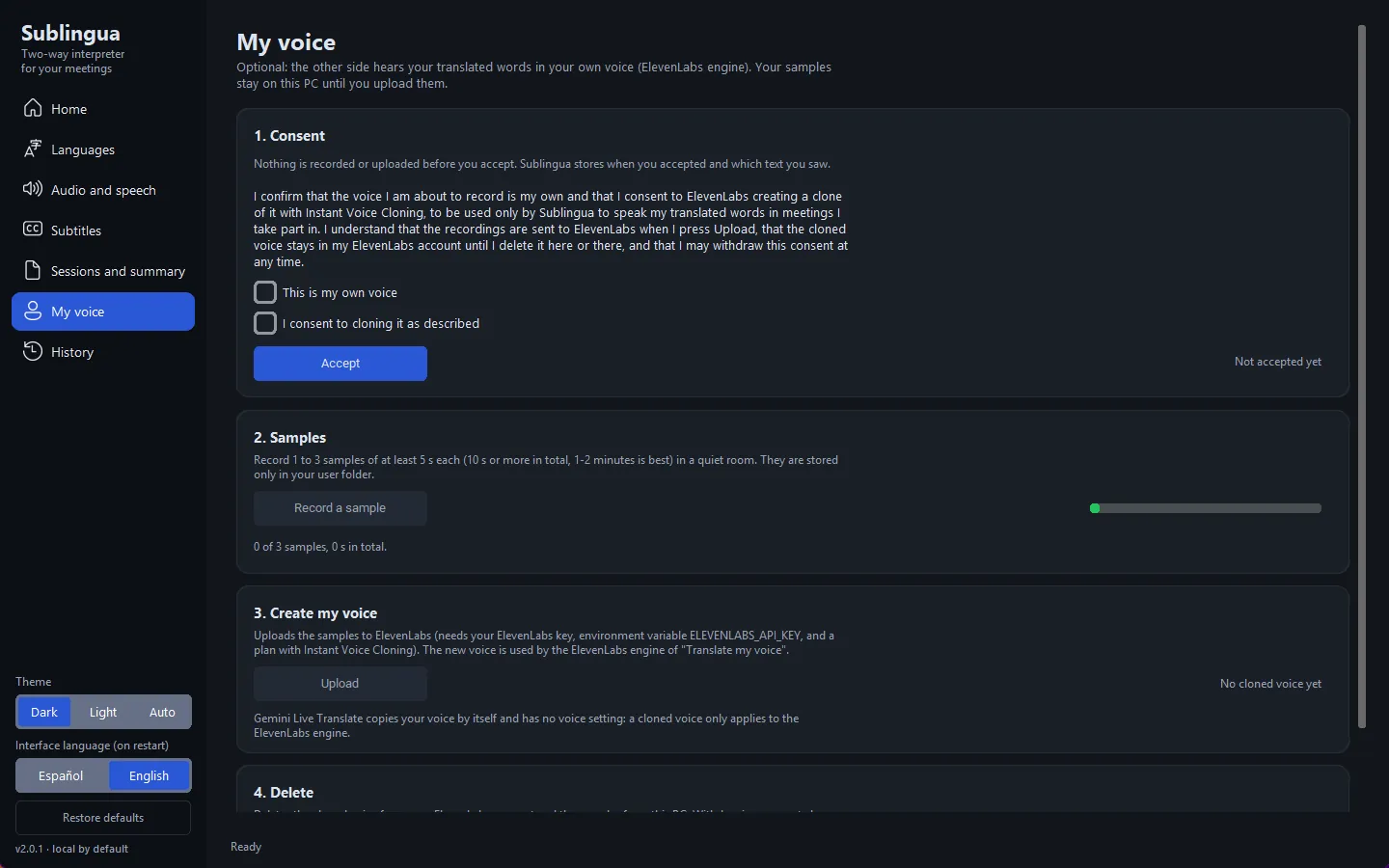
Sublingua shows live translated subtitles for any call and runs the speech recognition entirely on the laptop; a cloud model is optional and used only for summaries.
Screens
How it was built
1 audit
Source: Trysac/11b-sublingua-v2-interprete UI/UX audit (no development report), dated 21 November 2026.
What the project taught
- Local by design is a product constraint, not an optimisation: choosing a model size that runs in real time on a CPU decides what the product can promise.
- Quantised small models are enough for live subtitles when latency matters more than the last point of accuracy.
- Keeping the cloud optional and limited to summaries draws a line users can understand: the call stays on the laptop, the recap may leave it.
Case study in preparation
The full case study adds these sections when it is published:
- Constraints
- Architecture diagrams (C4 context and containers)
- Three key decisions
- What went wrong
- Results with dated evidence
- Demo video
- What I would do differently
In the project mesh
Highlights
local first, speech to text, privacy